

Your familiar applications, now in the cloud

With Remote Desktop, move the applications your clients already use every day to the cloud, without rewriting or changing anything. They can access them from any device, with the same on-premises experience.
Request received.

What's included

Remote Desktop as a Service
A ready-to-go framework of users and applications, fully plug-and-play. Set up your team quickly, assign apps instantly, deploy the server, and let your clients start working in a cloud environment.

Total printer compatibility

Ensure full integration with local printers, allowing users to print seamlessly from any remote session—just like working on a local machine.

Multiple connection options

Let your clients use any application from any device, anywhere, with a local-like experience. Multiple connection options (RDP, HTML5, etc.) turn even legacy apps into a SaaS-ready solution.

Load balancer

Distribute the load across virtual machines in multi-server environments. Assign users to specific servers for static distribution, or balance dynamically based on computing usage, ensuring optimal performance and resource utilization.

Backup and recovery

Hourly, daily, and weekly backup policies ditributed in different data centers, instant restoration and optional VSS shadow copies.
Infrastructure & security

Proprietary, sovereign infrastructure

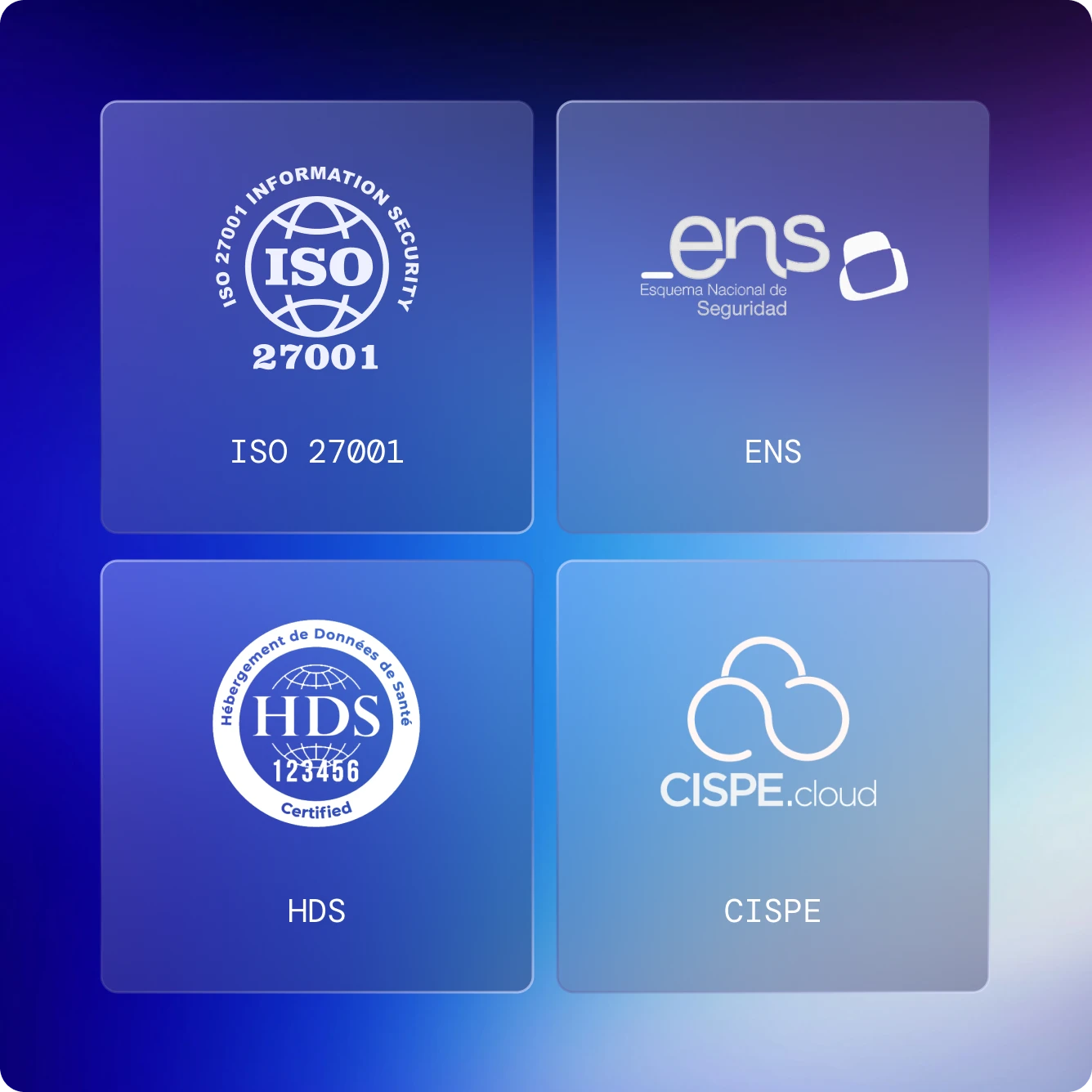
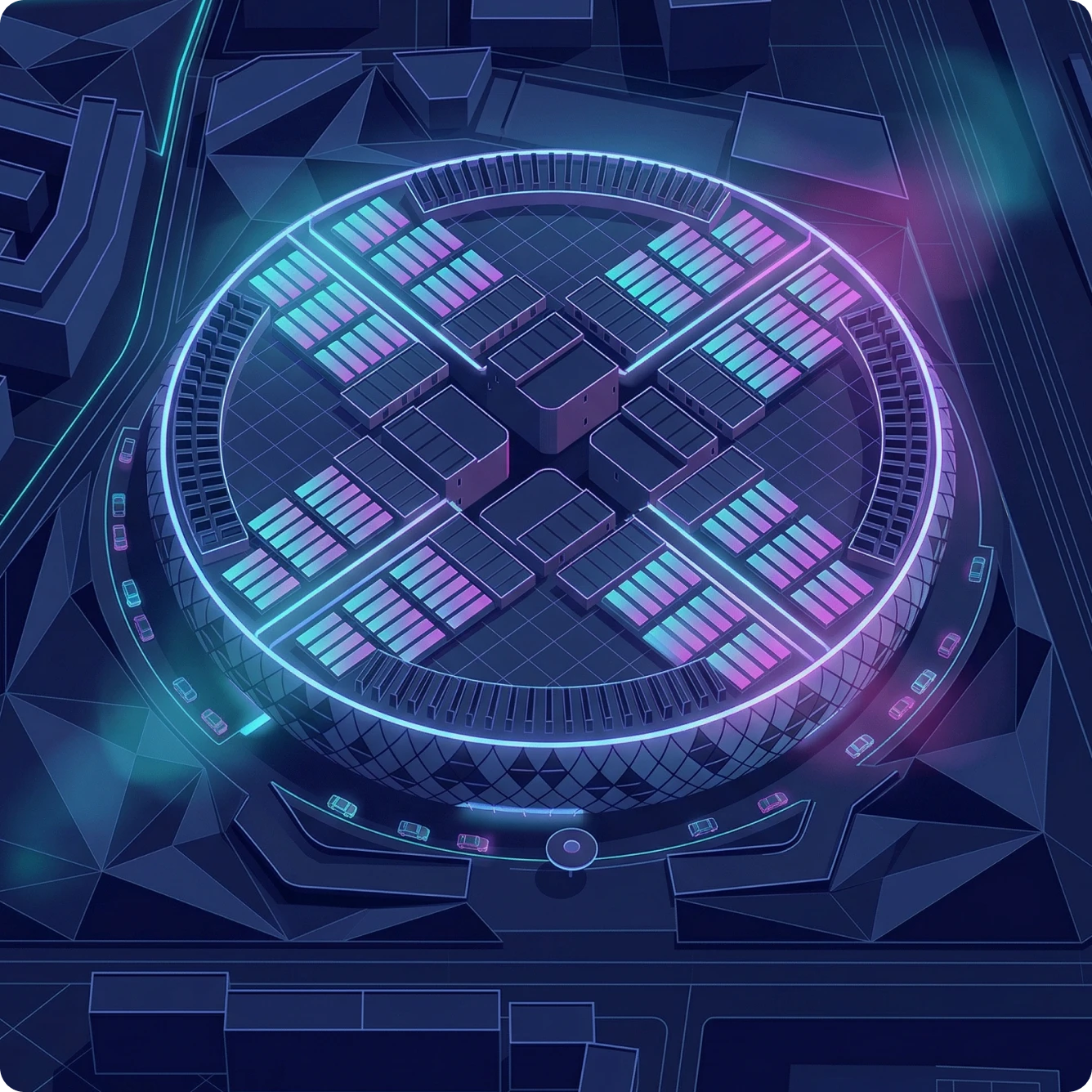
The foundation that everything else runs on. Data centres across Europe and the Americas, delivering the highest standards of security, availability, and sovereignty that others simply can't offer.
Discover more
09
Data centers
99
,99%
Service availability
04
availability ZONES
03
Infrastructure regions

How it works

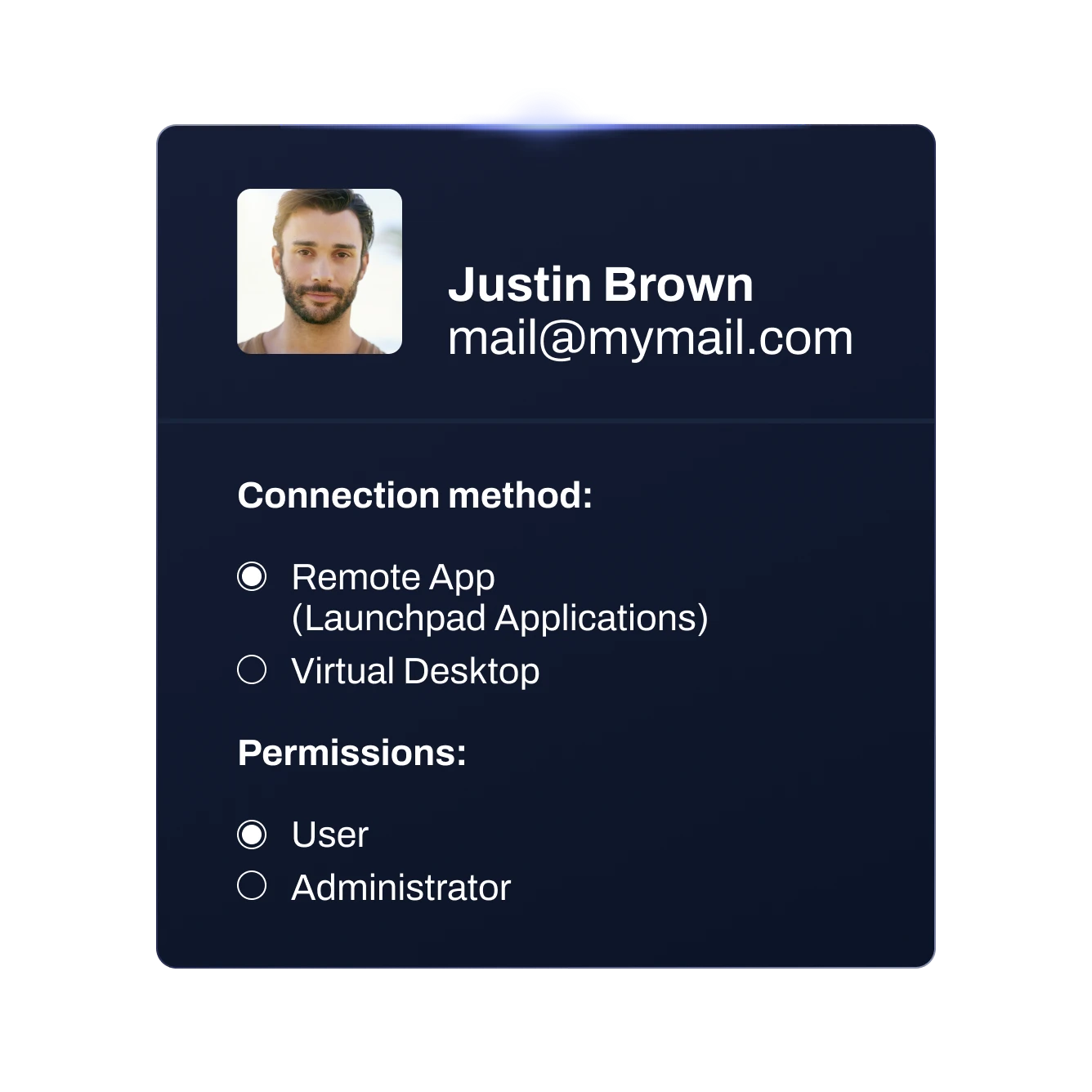
01 - Select users, permissions & connection method
02 - Choose applications
03 - Select location and resources
04 - Share the access
01

Select users, permissions & connection method

Create or select users who will access the service define their permissions and set how they will connect.
Contact us
02

Choose applications

Choose the standard apps you want installed by default, and easily add any additional, user-specific programs (ERP...) whenever you need them.
Contact us
03

Select location and resources

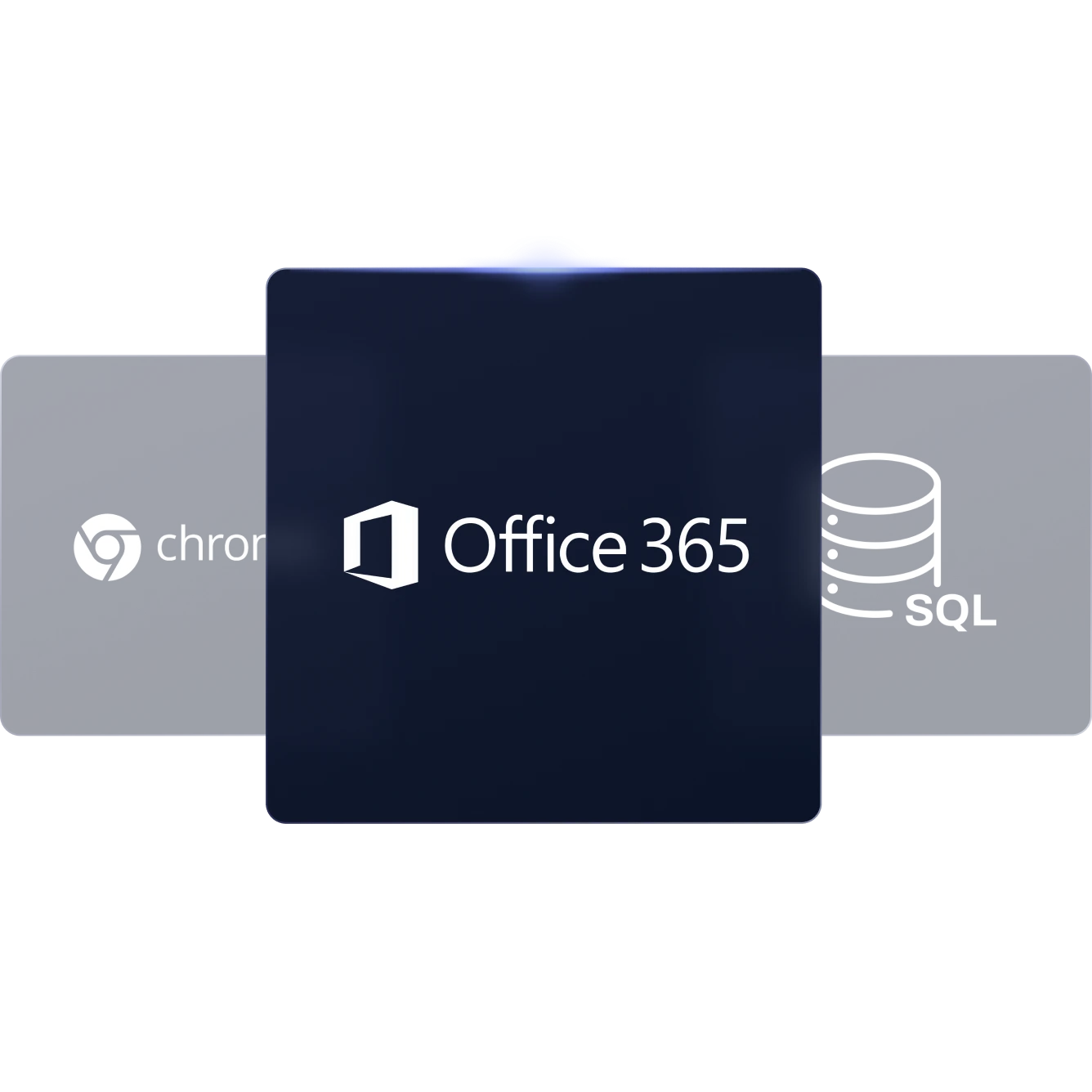
Select the availability zone where you want to deploy your new infrastructure and deploy your CPU, RAM and disk.
Contact us
04

Share the access

Fine-tune the final settings and simply share access with your end users. They can start working in the cloud immediately, enjoying a full local-like experience.
Contact us
Remote Desktop Sovereignty

Trusted Sovereign Cloud

Get a Demo

Why IT Companies choose Plenit Remote Desktop

Offer SaaS-like software without rebuilding applications
Deliver client-server applications in the cloud through a RDP connection, giving users easy, secure access without modifying a single line of software.
Easy and fast deployment of a Cloud Workspace under your own brand

Deploy fully branded remote workspaces quickly and automatically, giving your clients a seamless experience while saving time and simplifying management.
Direct, local SysAdmin support - No call centres
Our Partner Success team is made up of real system administrators who work directly with your IT team to resolve issues—no call centers, no intermediaries.
Maximized Profit Margins
Designed exclusively for IT resellers, giving them private pricing that usually delivers around 35% margin. With predictable, fixed monthly fees, they can grow their business confidently while offering top-notch cloud services to their clients.

I don’t have a single customer who, after trying Plenit’s Remote Desktop solution, has ever gone back.

Eduardo López
Technical Manager at Extra Software

Anything we deploy on Plenit’s Platform goes up fast, hassle-free. That’s pure gold for us.

Israel Flores
System Administrator at Pool Informático

Plenit gives us the automation, flexibility, and collaboration we need to scale our software business.

Raul Oliveira
Founder of IPBRICK

FAQs

How is the Remote Desktop service structured and what’s included?
The Remote Desktop service is deployed through two interconnected subscriptions. One subscription provisions a Windows Server with the selected CPU, RAM, and storage, delivering the familiar Windows environment commonly used in on-premises setups and fully accessible once deployed. The second subscription manages all RDP-related functionality, including user sessions, access methods, application publishing, permissions, and printer integration. Together, these components provide a complete remote workspace environment.
How is Remote Desktop billed?
Server usage is billed monthly based on the exact hours consumed for each contracted resource. This includes computing power (CPU and RAM), storage (GB), network resources (the private network with router/firewall and IPv4 routing), and the Windows Server operating system fee. Powered-off servers are not billed for CPU or RAM usage, and outbound data transfer is not billed unless it exceeds 4,096 GB per month per network. In practice, bandwidth typically has no impact on monthly costs. Remote Desktop access is billed monthly per concurrent user, meaning the charge is based on the maximum number of simultaneous sessions required rather than on individual named users.
How do end users access and connect to applications?
End users can access the Remote Desktop service through multiple methods, including a white-labeled web portal, standard RDP connections, or a desktop-installed connector (Client Generator). Once connected, access can be configured either through a simple application launchpad or a full desktop environment, depending on the level of access and control required.
How many users can connect at the same time?
Remote Desktop uses a concurrent-user model. This means the maximum number of people who can be connected simultaneously depends on the number of concurrent user sessions contracted.
Can I install my own applications?
Yes. Once the server is deployed, any application can be installed and published just as it would be on a traditional Windows server, with full flexibility to manage and configure the environment as needed.
Does the service integrate easily with local hardware?
Yes. The Remote Desktop service supports integration with local hardware. Printer integration is typically handled through Universal Printer, while other local devices such as scales, POS systems, and similar peripherals can be connected using the Client Generator.
Can I upgrade or downgrade Remote Desktop server resources at any time?
Yes. You can freely upgrade or downgrade CPU and RAM whenever you need. Storage can be increased at any time, but it can’t be reduced once allocated. Any change to CPU, RAM, or storage requires a quick server reboot to apply the new configuration.

Are backups included for the Remote Desktop environment?
Backups are fully included with every server, no add-on required. All servers are protected with a NetApp snapshot–based backup system designed for fast and reliable recovery. In order to provide multiple restore points and strong data resilience we keep: Hourly backups: Last 5 hours for quick rollbacks. Daily backups: Taken at 00:10 and retained for 14 days. Weekly backups: Taken every Sunday at 00:15 and stored for up to 8 weeks.
Is server network security included?
Network security is included by default. Every deployed network comes with perimeter protection using IDS/IPS and a built-in Layer-3 virtual router at no additional cost. For more advanced protection, a Layer-7 firewall can be added through an optional VNF. GeoIP filtering is also available to control access based on the originating country.

How is storage handled and can I resize (expand or reduce) it later?
Storage is fully managed through the platform. Disk space can be increased at any time, but it cannot be reduced once allocated. Any increase in storage requires a server reboot to apply the changes.
Is there support service available if I need help? What does it include?
Yes. Remote Desktop includes full support at no additional cost. Support is available in the local language and with direct phone access to a team of specialists. Support covers the platform, the Remote Desktop subscription and the cloud infrastructure, including server availability, performance and network. Management of the operating system, applications, configurations, and data is the responsibility of the partner. Installed software or internal server administration are not provided.