


Every client's files, secure and accessible from anywhere

Store, share, edit, and sync files in the cloud for all your clients under your own brand. Shared folders, permissions, and version control, accessible from any device.
Request received.

What's included

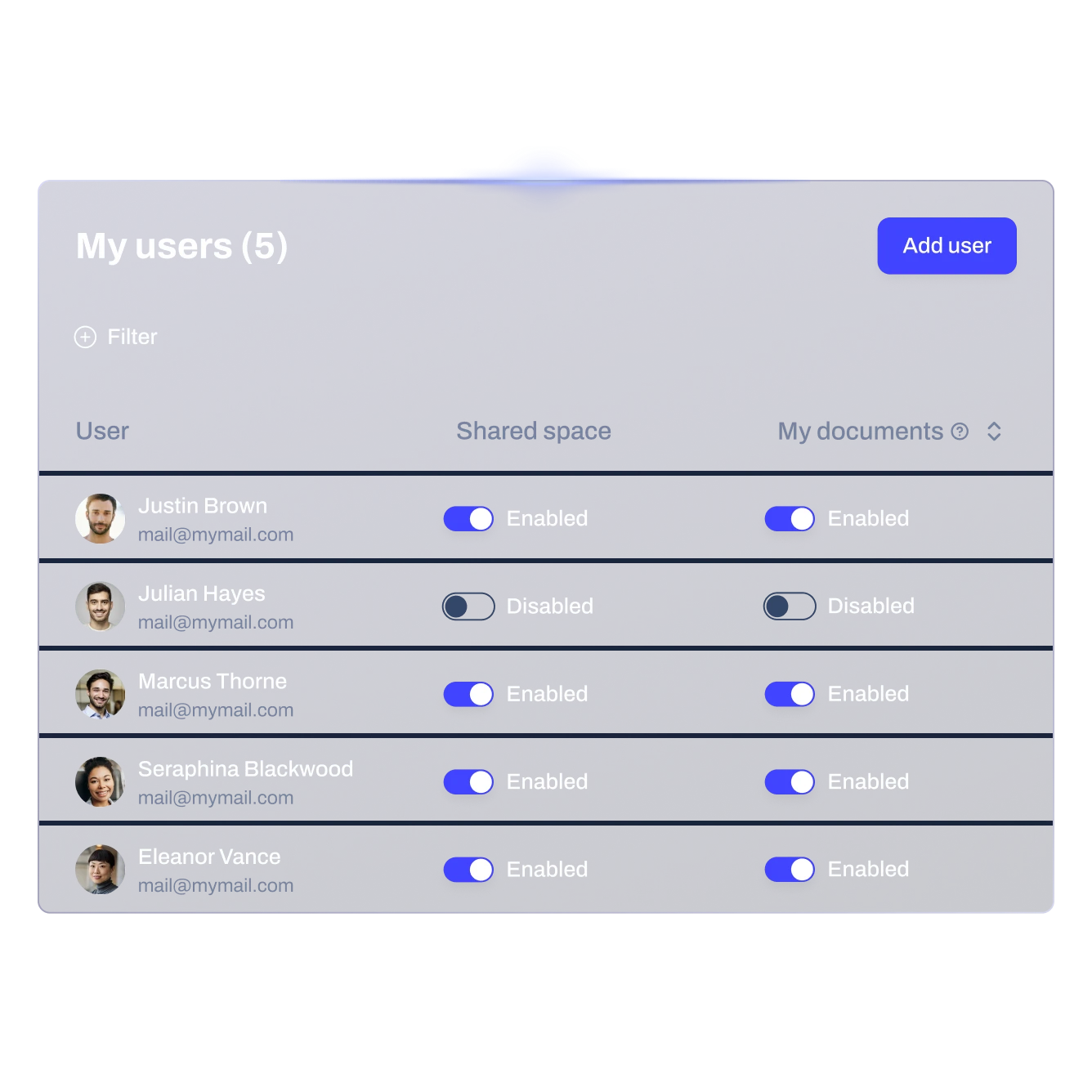
Granular permission management

Create shared folders for departments and teams. Set read, write, and admin-level permissions for users and groups with full granularity.

Total access from any device

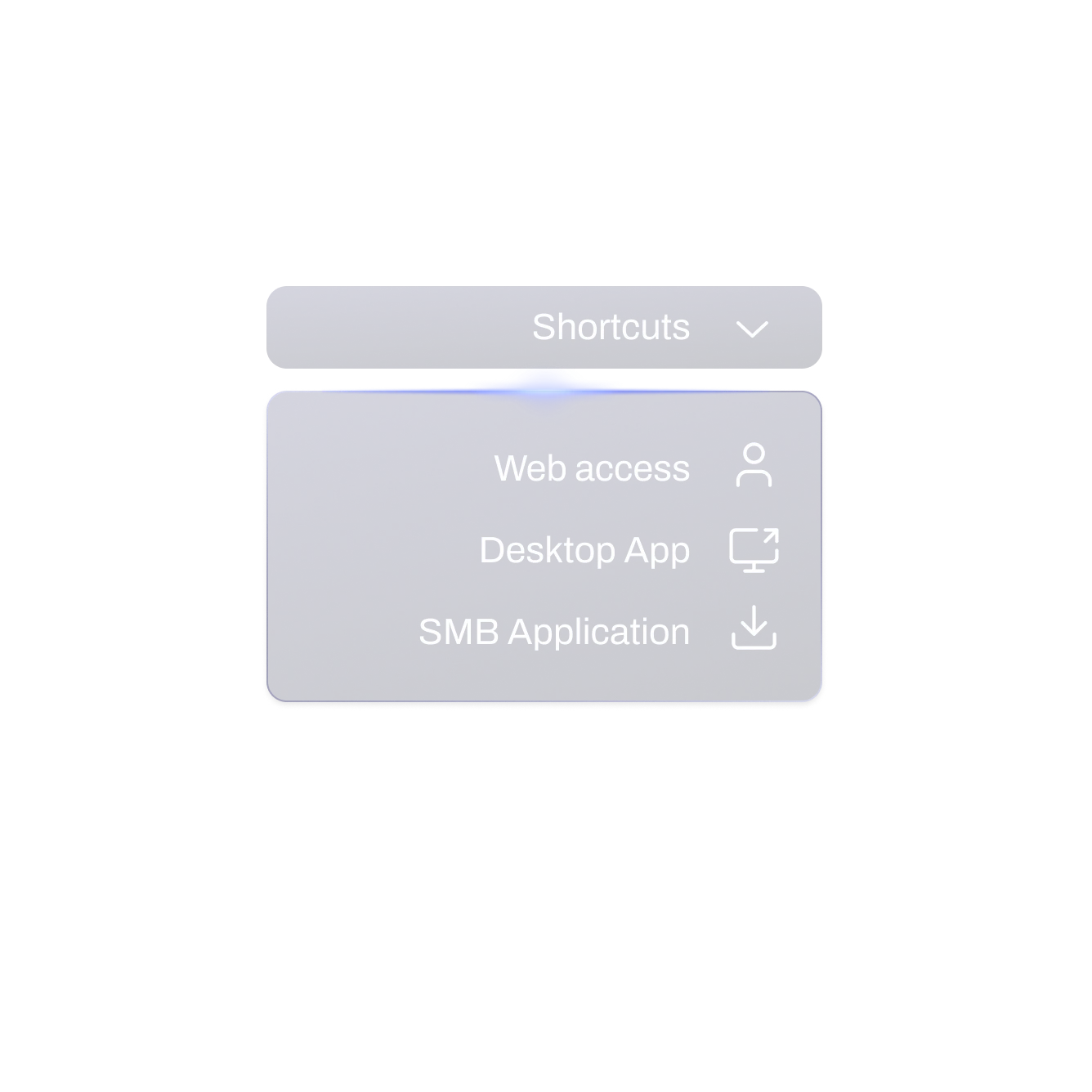
Connect from any device using SMB or HTTPS protocols, ensuring secure and flexible access to the files anytime, anywhere and from any device.

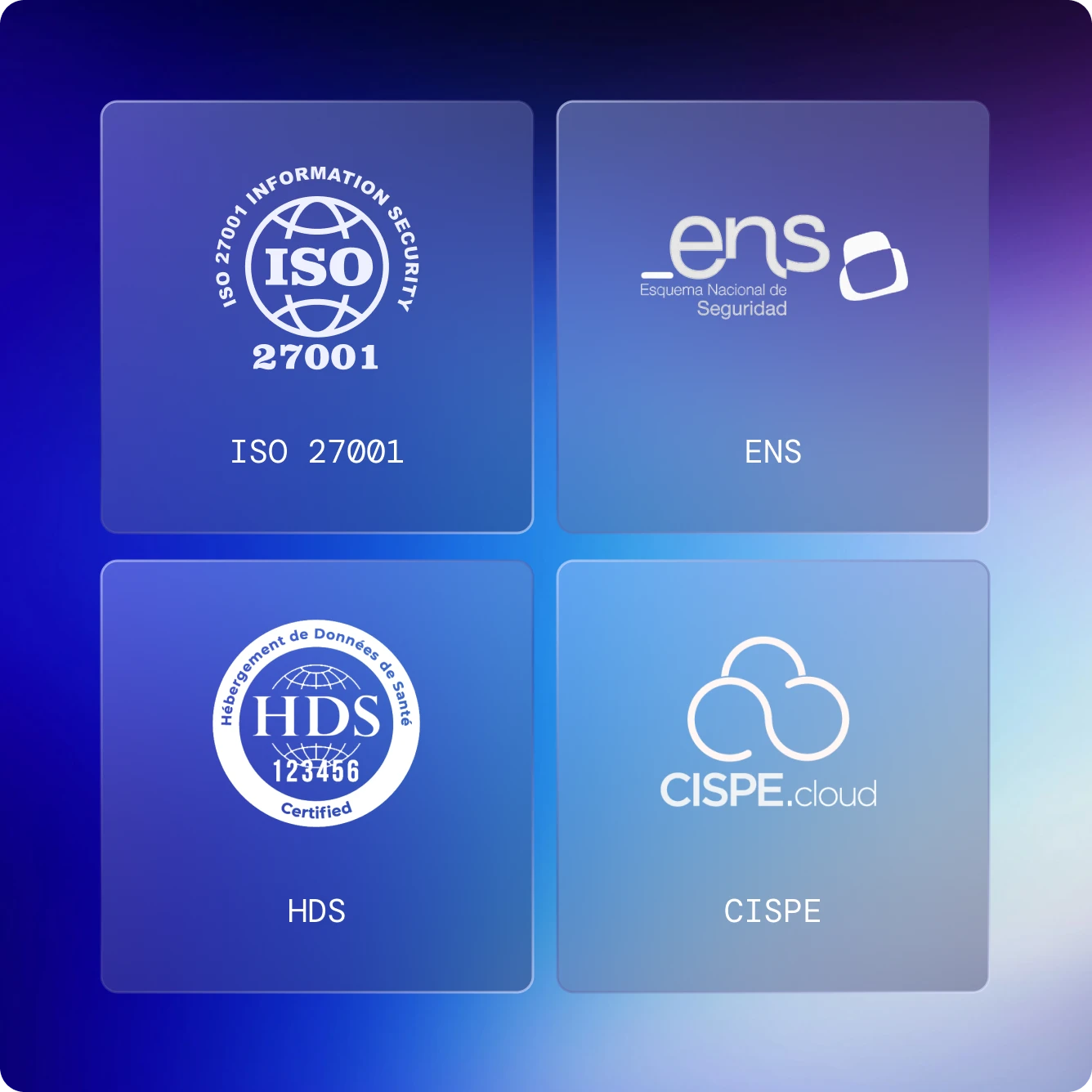
Built for EU-level compliance and privacy
All data is protected under strict compliance standards, with privacy-by-default and GDPR-aligned controls. Information is encrypted, securely replicated and supported by rigorous backup policies.

File versioning

Automatically stores multiple files versions so users and admins can recover previous edits and restore documents easily.

Multizone backups

Data is replicated across multiple availability zones to ensure durability and business continuity. Hourly, daily and weekly backups with a simple restoration.
Infrastructure & security

Proprietary, sovereign infrastructure
The foundation that everything else runs on. Data centres across Europe and the Americas, delivering the highest standards of security, availability, and sovereignty that others simply can't offer.
Discover more
09
Data centers
99
,99%
Service availability
04
availability ZONES
03
Infrastructure regions

How it works

01 - Select Quota
02 - Add users
03 - Establish permissions
04 - Provide Access to End Customers

01

Select Quota

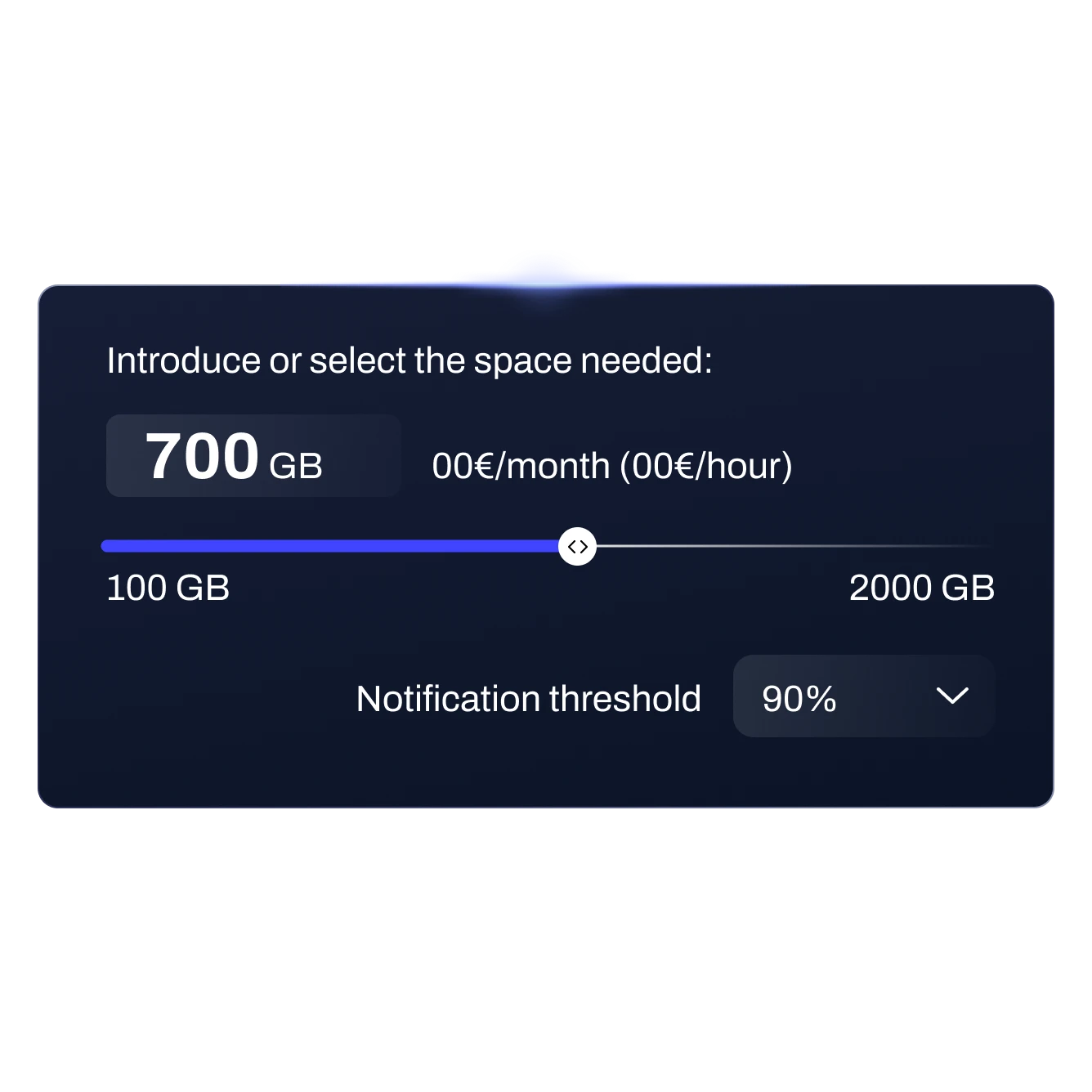
Define the storage capacity (GB) your customer needs based on expected file usage.
Contact us
02

Add users

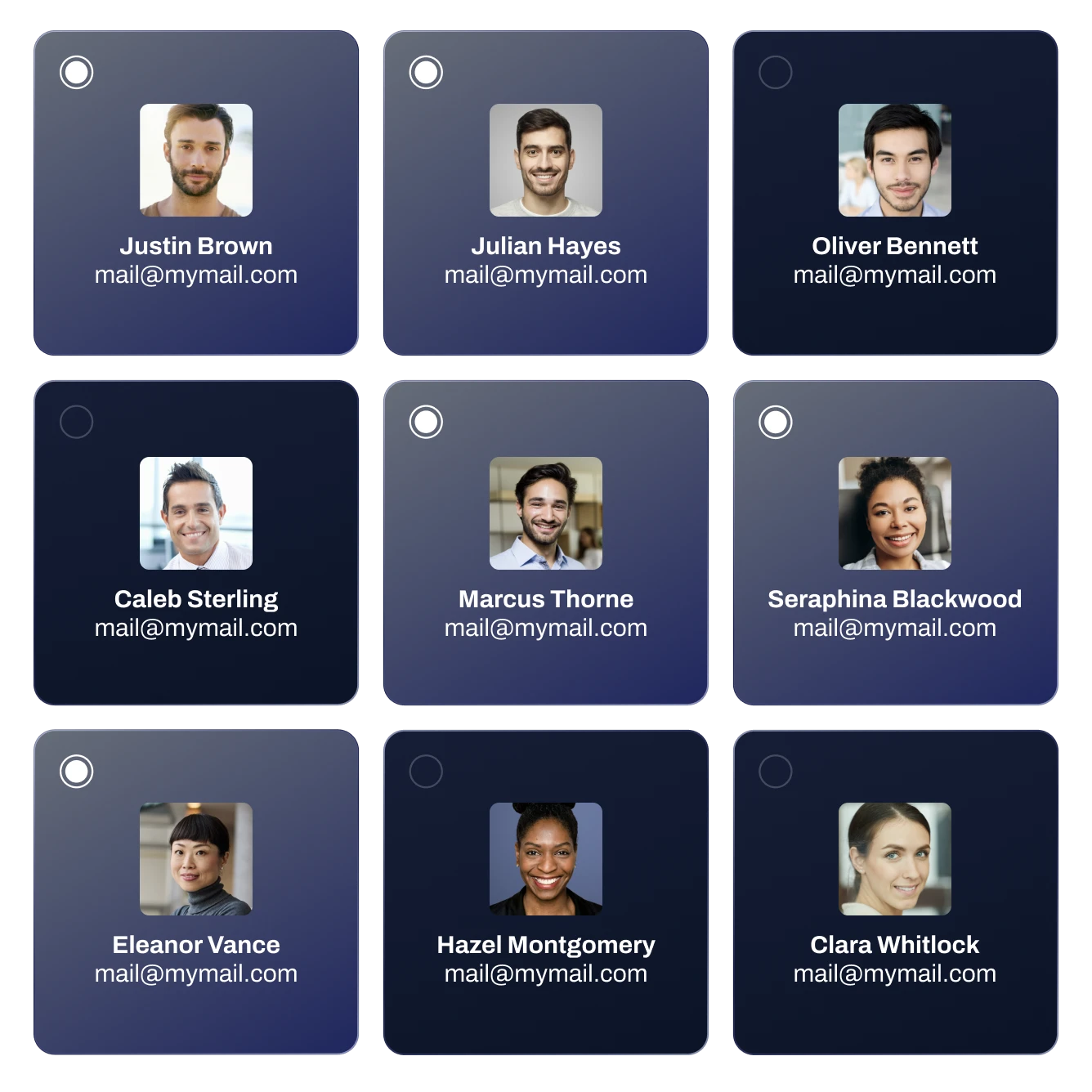
Create or select users who will access the service and securely share files.
Contact us
03

Establish permissions

Apply granular, user and folder-level permissions for tighter control over data.
Contact us
04

Provide Access to End Customers


Give end users access through web access, SMB, or other secure methods, ensuring seamless connectivity to data.
Contact us
File Storage Sovereignty

Trusted Sovereign Cloud

Get a Demo

Why IT companies choose Plenit File Storage

Full Autonomy.
Easy Deployment
Set it up quickly without requiring any specialized storage expertise.
Secure by default
Backups, automatic replication, encryption, access controls, and strict data protection policies.
Same user experience
Keep your clients familiar folder structure and workflows but with a more secure and accessible service.
White label
Partners stay in full control of the customer experience through a White-labeled delivery.

Plenit allows us to support our clients on their digitalization journey with a reliable and approachable all in one platform.

Mikel Caballero
System Engineer at Satelit

The simplicity of the platform is, without a doubt, one of Plenit’s greatest advantages.

Manuel Martín
CEO at Conzeta Digital

FAQs

How is data secured in File Storage?
Data is protected through end-to-end encryption in transit and at rest, ensuring a high level of security at all times. Granular permissions allow access to be managed at user and group level, ensuring each user only accesses the relevant files and folders. Secure external sharing is also available via web links, with optional password protection and expiration dates to control access. In addition, data integrity and availability are ensured through a NetApp snapshot-based backup system.
How is File Storage billed?
File Storage is billed based on the number of active users and the total storage capacity (GB) provisioned within the subscription.
Can file access be restricted by role or department?
Yes. Access can be managed through granular permissions at both user and group level, allowing file and folder access to be restricted based on roles, departments, or organizational structures. Each user is granted access only to the information relevant to their assigned permissions.
Can access be shared externally with clients or partners?
Yes. File Storage allows secure external sharing via web links. Shared documents can be protected with a password and configured with an expiration date, ensuring access is granted only for a defined period and under strict security controls.
Are backups included for the File Storage service?
Yes. File Storage includes a NetApp snapshot-based backup policy designed to ensure data protection and fast recovery. Backups are performed on the following schedule: Hourly backups are taken every hour, retaining the last 5 hours. Daily backups are created at 00:10 and retained for 14 days. Weekly backups run every Sunday at 00:15 and are stored for up to 8 weeks.
Is granular file recovery available?
Yes. File recovery is available through Windows VSS (Volume Shadow Copy Service), allowing previous versions of files to be restored easily when needed.
How is data durability and availability ensured?
Data is replicated across two separate data centers. Backups are stored in a different data center, providing an extra layer of protection and enabling reliable data recovery in case of failure.
How is File Storage different from consumer file-sharing tools?
Unlike consumer tools, File Storage is designed for professional IT environments, offering granular permission control, centralized administration, and enterprise-grade security tailored for business use.
Is there support service available if I need help? What does it include?
Yes. File Storage includes full support at no additional cost. Support is available in the local language and with direct phone access to a team of specialists. It covers everything related to service configuration and management within the platform, providing assistance for setup, administration, and platform-related functionalities.