


When something goes down, your clients keep operating

Servers, applications, and entire environments replicated in real time. In the event of an outage, failure, or attack, recover the service in seconds and keep your clients working. No emergency calls.
Request received.

What's included

Total replication of all infrastructure components

Disaster Recovery creates a complete replica of all the elements of a Servers or Remote Desktop subscription (instances, discs, networks, firewall rules and users) in order to recover them immediately.

Disaster recovery drills

A tool that tests the Disaster Recovery service by performing a parallel restoration and validating that everything operates correctly.

Fail-over and fail-back between availability zones
Enable an instant fail-over when you need it most. The moment you activate it, the replicated environment boots up immediately in the secondary region, ensuring business continuity. Once the incident is over, you can seamlessly fail back to your original availability zone.

Customizable replication strategy

Keep data and configurations continuously aligned with the live environment through automated synchronization processes. Allows IT companies to create and store multiple recovery points over time, based on their clients needs.
Infrastructure & security

Proprietary, sovereign infrastructure

The foundation that everything else runs on. Data centres across Europe and the Americas, delivering the highest standards of security, availability, and sovereignty that others simply can't offer.
Discover more
09
Data centers
99
,99%
Service availability
04
availability ZONES
03
Infrastructure regions

How it works

01 - Choose the origin
02 - Define destination
03 - Set replica characteristics
04 - Run drills periodically

01

Choose the origin

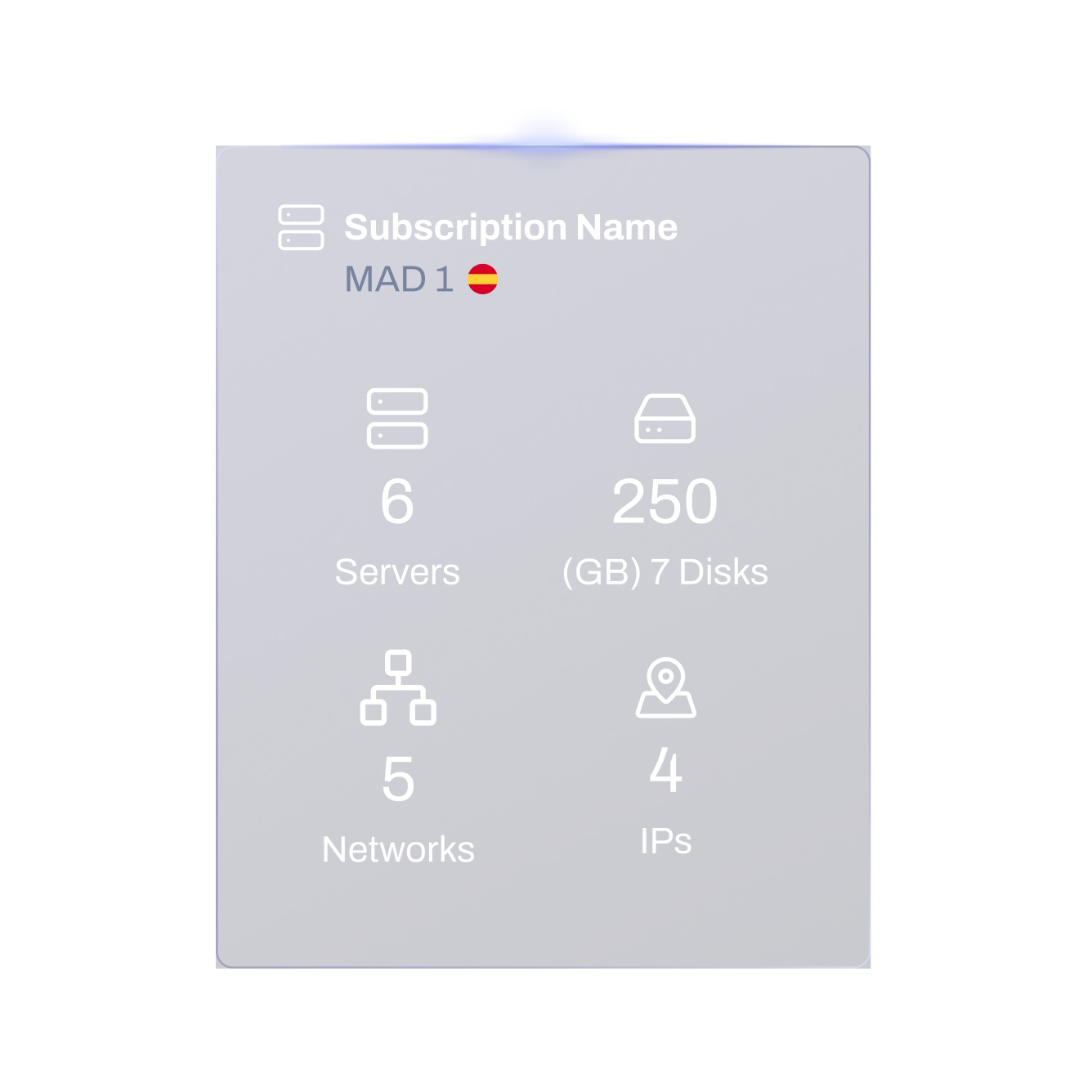
Select the subscription you want to use to set up your Disaster Recovery plan.
Contact us
02

Define destination

Set the target location where the subscription will be replicated.
Contact us
03

Set replica characteristics

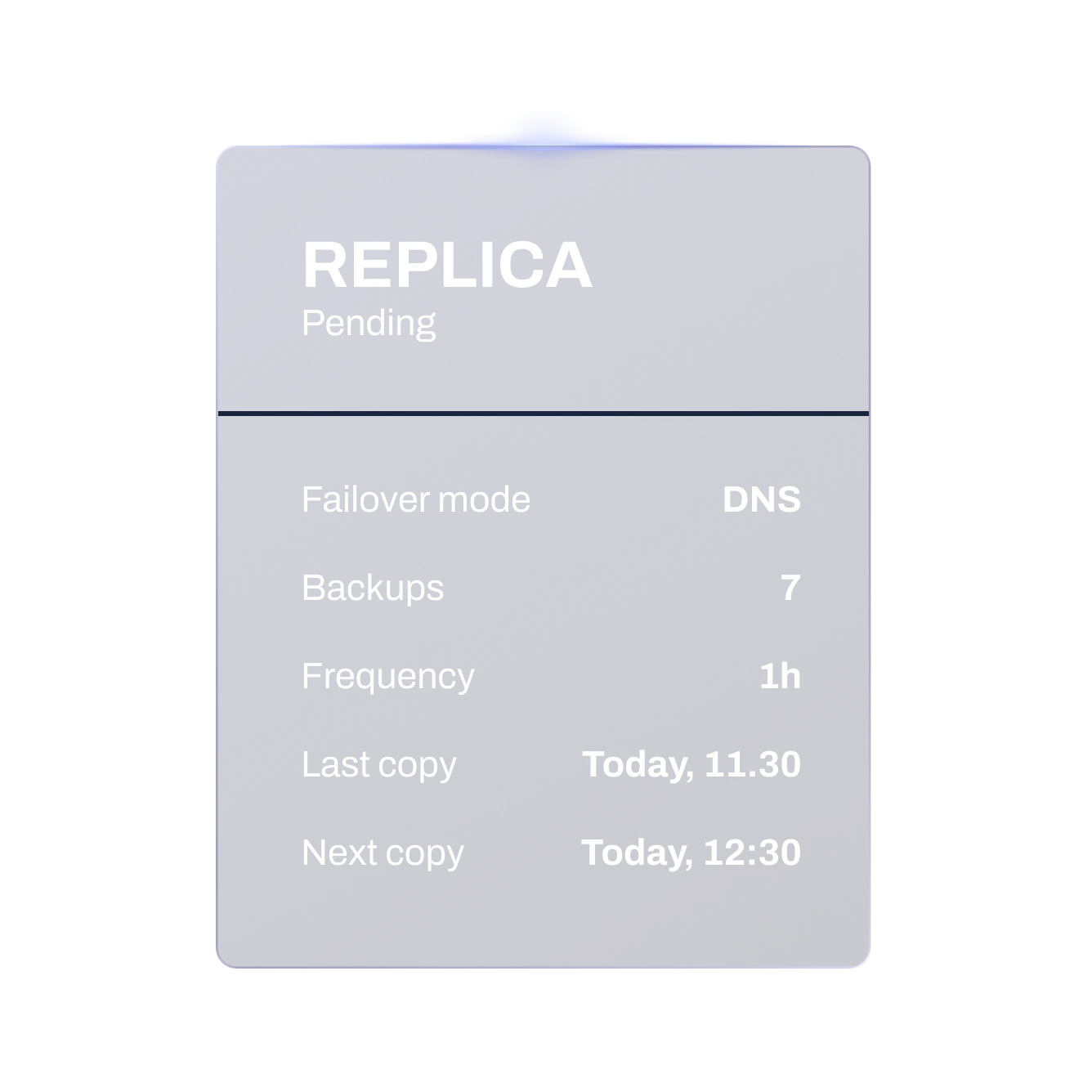
Specify how often the environment should be replicated and the number of copies to retain.
Contact s
04

Run drills periodically


Verify that the DR service is working correctly and your systems can be restored as expected when needed.
Contact us
Disaster Recovery Sovereignty

Trusted Sovereign Cloud

Get a Demo

Why IT Companies choose Plenit Disaster Recovery

Secure critical infraestructure
For some Partners and end users protecting critical cloud environments is no longer optional. A solid Disaster Recovery strategy is the only real way to shield their servers.
Offer a truly competitive Business Continuity service

A real Business Continuity service that’s both competitive and profitable. With pricing designed for the channel, Partners can offer a high-value, enterprise-grade solution at a great price while still maintaining strong margins.
Eliminate Downtime completely
Many businesses and industries simply cannot afford service interruptions. Disaster Recovery drastically reduces downtime, ensuring critical systems remain available and operations continue uninterrupted.
Predictable partner-first pricing
Most TSP teams lack the cloud, automation or security depth to grow sustainably.

The Disaster Recovery service gives us enormous confidence, especially with the clients who are hardest to convince.

Bernardino Silva
Executive Director at BMS Informática

The platform’s flexibility is incredible: with a single click, we can completely adapt a project as our customers’ needs evolve.

Stéphane Chénia
Managing Director at Oakteam

FAQs

What products are supported by Disaster Recovery?
Currently any Server or Remote Desktop subscription within the platform can be protected using Disaster Recovery.
What elements of my infrastructure are replicated?
The service replicates all key components of a subscription. For Servers, this includes virtual machines, storage volumes, networks, and firewall configurations. For Remote Desktop, both the underlying Windows Server and the full RDP environment are replicated, including users, applications, licenses, and all environment customizations.
How is Disaster Recovery different from traditional backups?
Backups only safeguard data and require a manual restoration process that can be slow and complex. Disaster Recovery replicates the full environment: servers, disks, networks, firewall rules, users, and more allowing near-instant recovery with minimal intervention.
How is the Disaster Recovery service billed?
Disaster Recovery is billed based on the resources used in the recovery site, including disk storage, network and IP resources, the replication frequency (24h, 12h, 6h, 3h, or 1h), and the number of recovery points retained. The virtual machine in the recovery site is not billed while in standby mode. Billing for the VM only starts once a failover occurs and the Disaster Recovery environment is activated as the primary site.
Does the failover location meet compliance or data residency requirements?
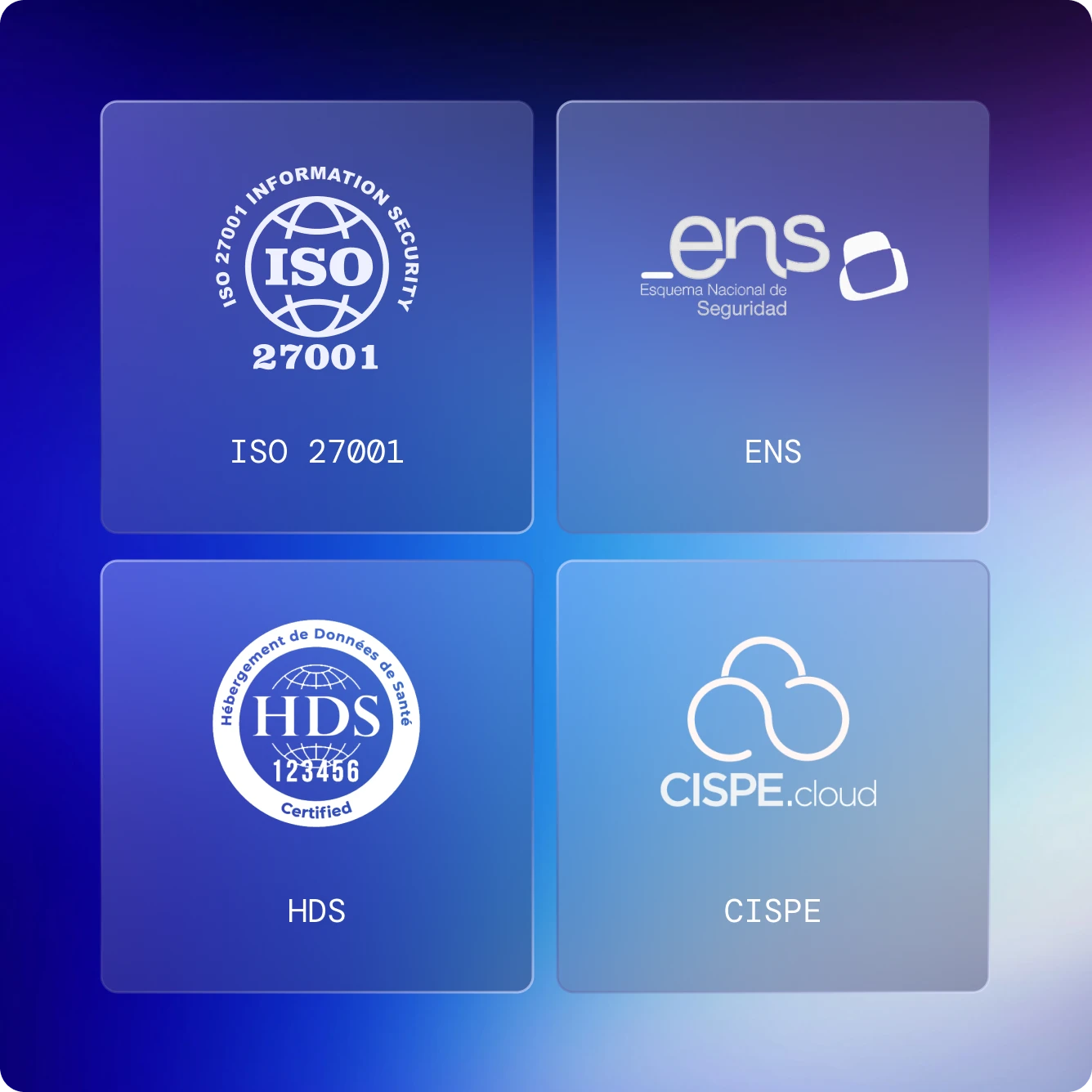
Yes. The failover location meets the same compliance standards and certifications as the primary site, ensuring identical security, regulatory compliance, and data residency guarantees across both environments.
Is failback included and how does it work after a disaster?
Yes. Failback is always available, allowing the environment to be restored back to the original primary site after a failover. The process is managed directly from the platform and automatically creates a snapshot of the running environment in the recovery site, which is then synchronized back to the original primary site.
How are networking and IP addressing handled during failover?
Failover is handled through DNS, resulting in an IP address change when the environment is switched to the recovery site. Firewall rules and network security configurations are preserved.

Is there a way to verify or test that replication is working correctly?
Yes. Disaster Recovery drills are included and allow regular testing of recovery procedures to ensure everything works as expected. These drills also help meet regulatory requirements (such as GDPR) and generate audit-ready reports automatically.
Is the service compatible with the existing backup solution?
Yes. The service is fully compatible with existing backup solutions and is designed to act as an additional layer of protection. Disaster Recovery complements traditional backups by enabling full environment replication for faster recovery and reduced downtime.
Is there support service available if I need help? What does it include?
Yes. Disaster Recovery includes full support at no additional cost. Support is available in the local language and with direct phone access to a team of specialists. Support covers the platform, assistance during the configuration process, and guidance during failover, drills and failback when required.